




Your Name
@yourname
Your website is not your brand. What people find when they search your name is.
Tweet style card
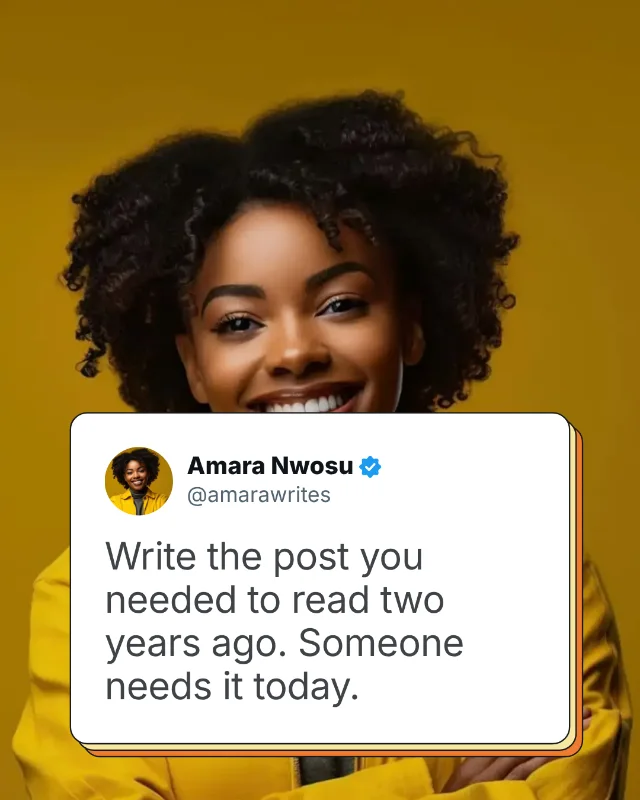
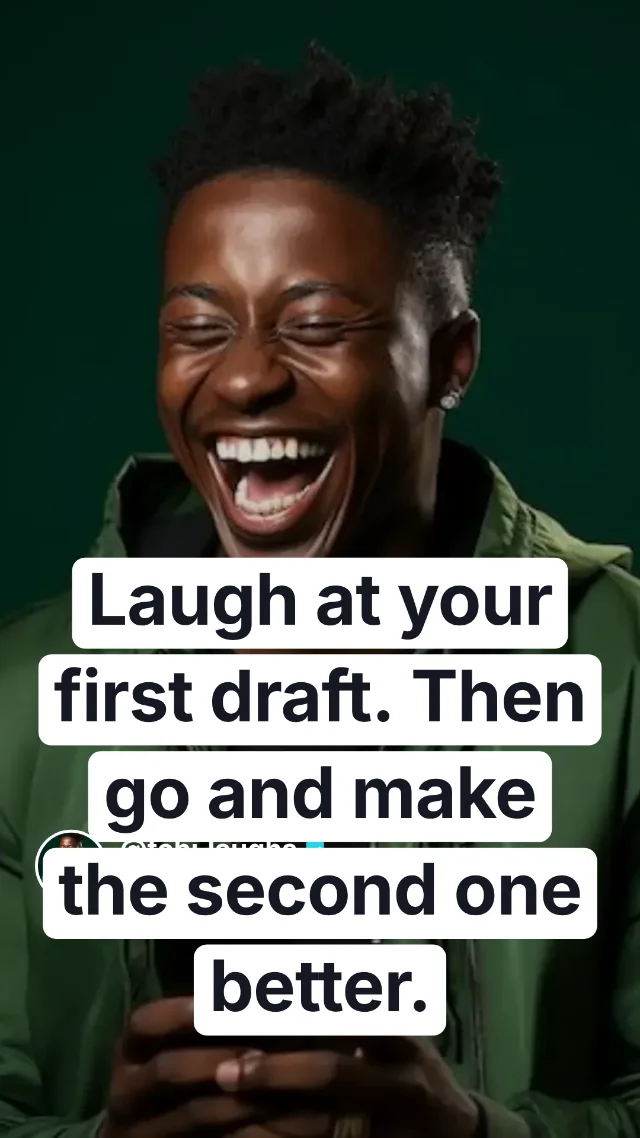
The clean, viral format: your face, name, blue tick and one strong line. Works in every feed.
Turn your best line into a clean quote card for X, LinkedIn, Instagram, Facebook and TikTok. Free, in under a minute.
Free forever. No watermark. Sign in with Google or your email to download.


Sized for every feed in one click
Find inspiration
Tap a look to open it in the studio, then change the words, name and photo.
What you can make
Every card keeps your name, photo and verified tick, drops the clutter of likes and timestamps, and sizes the text to fill the space. Pick a style, type your words, download.
The clean, viral format: your face, name, blue tick and one strong line. Works in every feed.
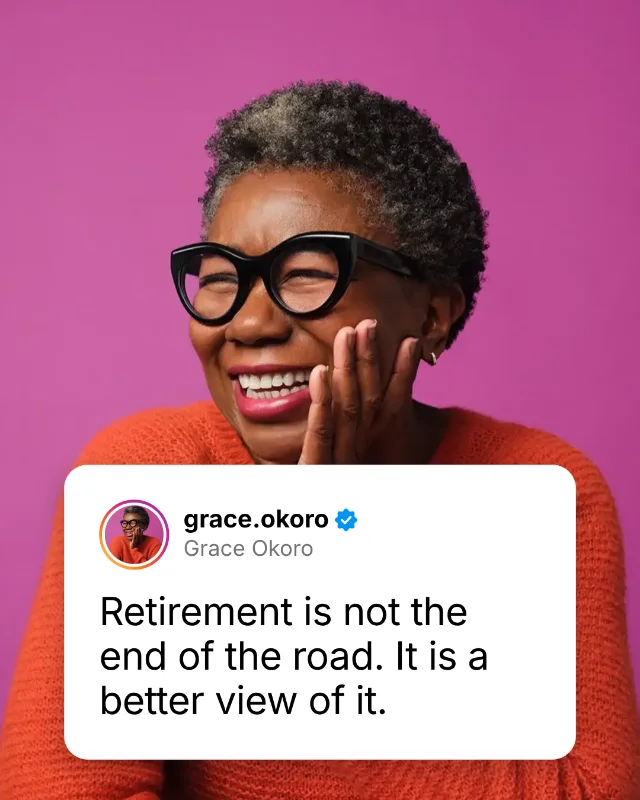
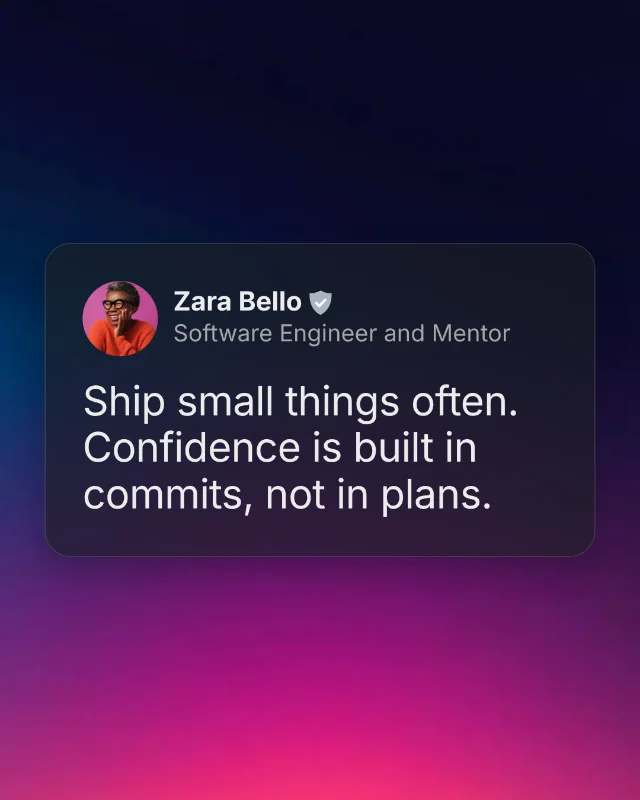
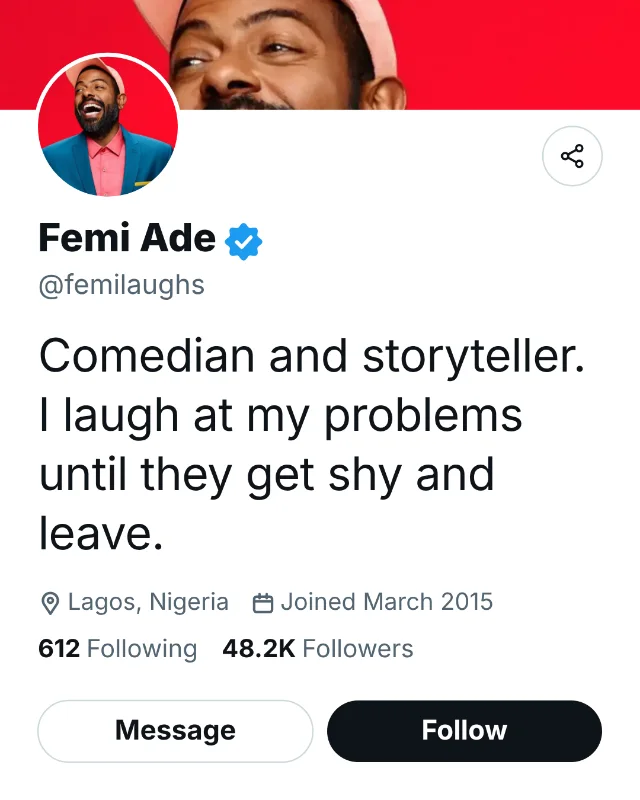
Your name and headline above the insight, so people know who is speaking and why it matters.
Handle first with a story ring around your photo, on black or white, for feed or Story.
Name and a short subtitle for your role or city. Great for pages, groups and daily messages.
Bold charcoal card with a hashtag, comment, react and share buttons, and your website at the bottom.
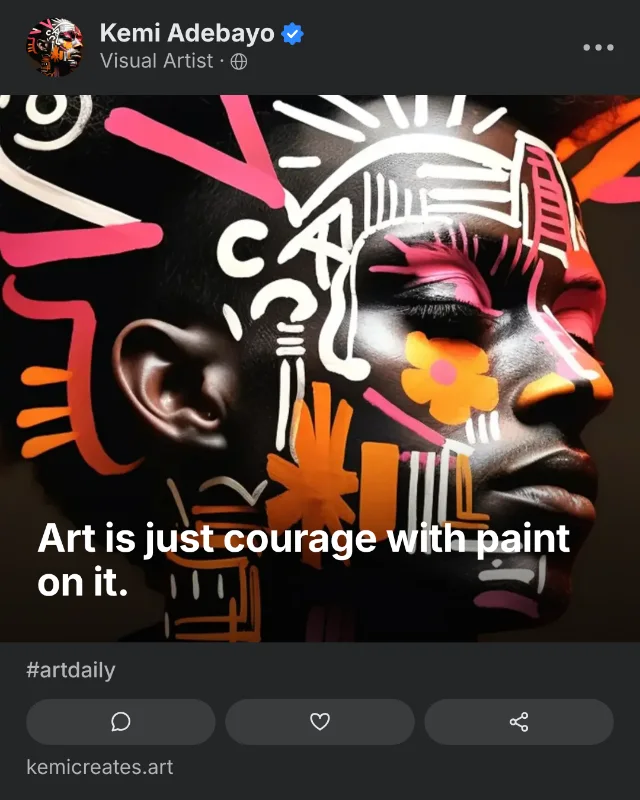
Your photo up top, your words on the lower third over a soft fade, with a share bar footer.
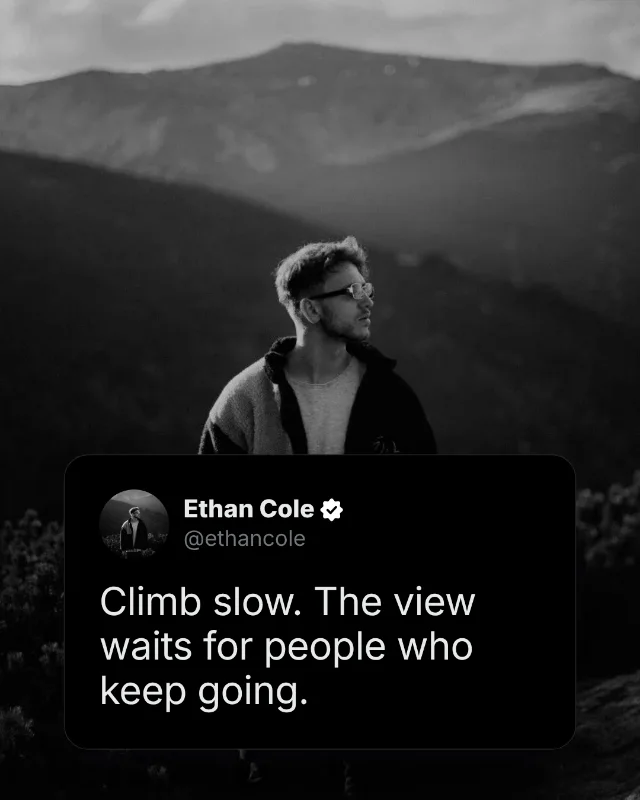
Place any card over your own photo, then drag it anywhere, set its width, blur or darken the background, and add a soft shadow or frosted glass.
The playbook
The format is simple. The hard part is showing up every day on every platform. SaidCard takes care of the design so you can focus on what you say.
Short, sharp lines get read, saved and shared. The card puts nothing between your words and the reader: no likes, no clutter, just the idea.
Audiences grow with volume. A card takes under a minute, and your settings are remembered, so posting daily stops being a chore.
Your face, name and tick on every post make you recognisable in any feed. People start to know your ideas before they read the name.
Turn one quote into an Instagram post, a TikTok, a LinkedIn update and a Story, each in the exact size that platform wants.
Alex Hormozi is named only as an example of the format. SaidCard is not affiliated with or endorsed by him.
How it works
Every size you need
Choose the format once and the card, text and photo resize to fit. Story size also shows safe zone guides so your words stay clear of the profile bar and reply box.
| Format | Ratio | Pixels | Best for |
|---|---|---|---|
| Square | 1:1 | 1080 × 1080 px | Instagram, Facebook and LinkedIn feeds, X posts |
| Portrait | 4:5 | 1080 × 1350 px | Instagram and LinkedIn feeds, where it fills the most screen |
| Story and Reel | 9:16 | 1080 × 1920 px | Instagram and Facebook Stories, Reels covers, TikTok, WhatsApp Status |
| Landscape | 16:9 | 1200 × 675 px | X and LinkedIn wide image posts |
| Header | 3:1 | 1500 × 500 px | Your X profile header |
| LinkedIn cover | 4:1 | 1584 × 396 px | Your LinkedIn profile banner |
SaidCard runs entirely in your browser. Nothing you type or upload is sent to a server, and your last settings are remembered on your own device.
Blog
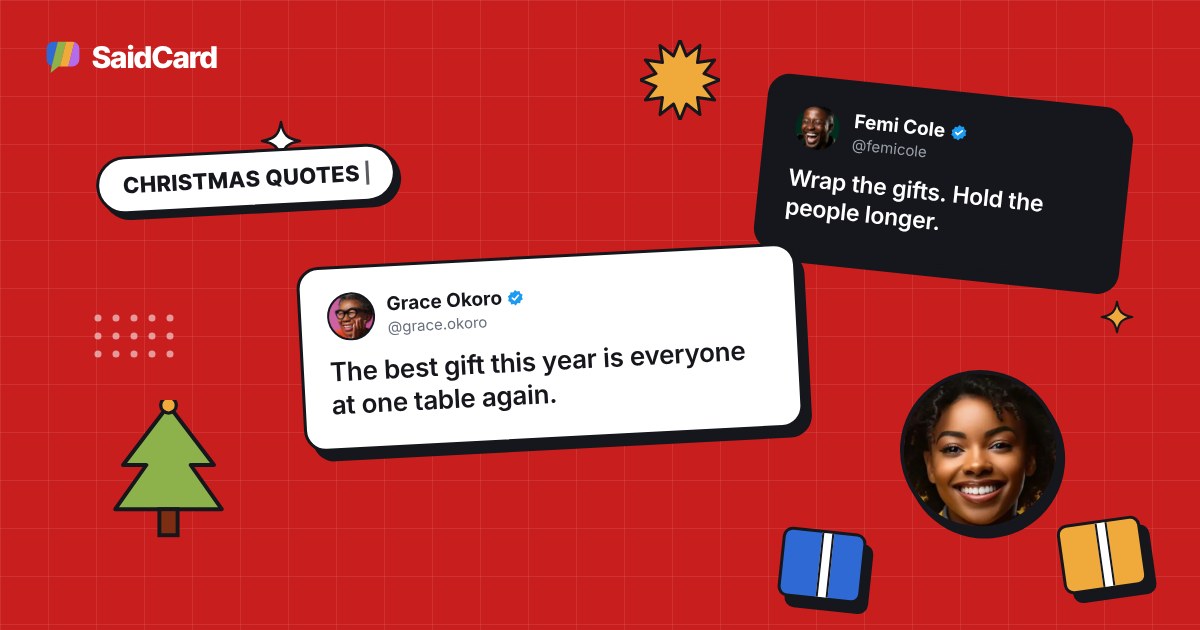
50 original Christmas quotes for family, friends, faith, work and short captions. Tap any quote to turn it into a free Christmas quote image, plus a 25 day posting plan.
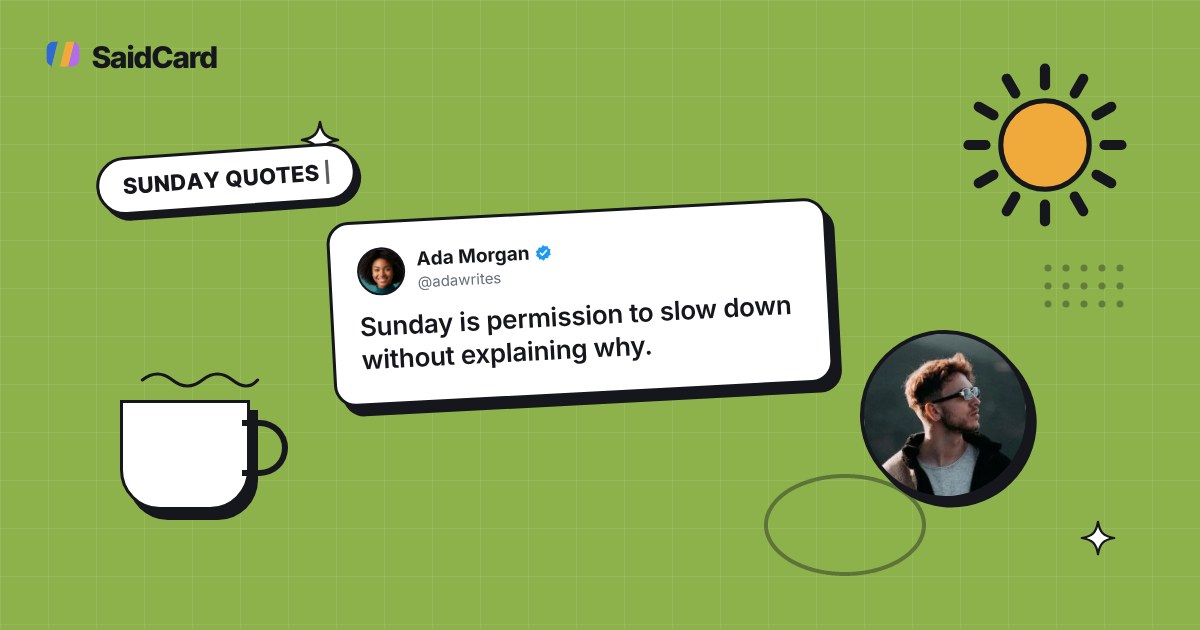
50 original Sunday quotes for rest, church, family and the weekly reset, each one a tap away from a free quote image. Plus a simple system to post every Sunday of the year.
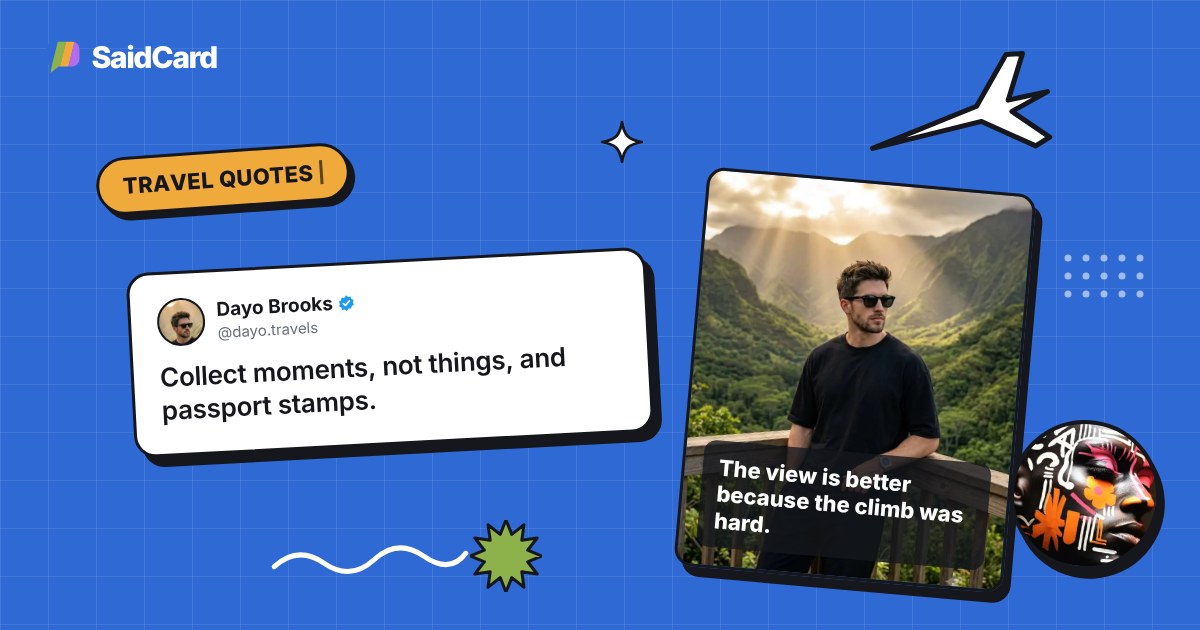
80 original travel quotes for Instagram: short captions, beach, mountains, city, solo trips and travelling with friends. Tap any quote to put it on your travel photo free.
FAQ
Yes. Every template, size and style option is free, and downloads are full resolution with no watermark. A Pro plan with extra tools is on the way, and the free studio stays free.
Yes. The tweet style template makes the same clean format: your photo, name, handle and verified tick above one bold sentence, with no likes or timestamps. SaidCard is not affiliated with Alex Hormozi; the style is simply one anyone can use.
Any platform that takes images. The templates are styled after X, LinkedIn, Instagram and Facebook, and the sizes also suit Threads, TikTok photo posts and WhatsApp Status.
You can design cards without an account. To export or download a card, sign in free with Google or an email code. It takes a few seconds, and your name, photo and style are then ready on any device.
No. SaidCard runs entirely in your browser. Your photos, quotes and cards stay on your device.
Yes. Use a floating card over your own image, or the Quote on photo template, which places your words over the lower part of a photo with a fade or blur behind them.
The creators you follow didn't wait for perfect. Open the studio, type one line, and post it everywhere.
Make your first card