LinkedIn Post Character Limit 2026: How Long to Write
Every LinkedIn character limit in one place, the 210 character see more cutoff that matters most, and how long your posts should really be.

On this page 17 sections
- What is the LinkedIn post character limit?
- Every LinkedIn character limit in 2026
- Why the see more cutoff matters more than the limit
- Most readers only see your hook
- Mobile is where people read
- People reward original, clear ideas
- How long should a LinkedIn post be?
- How to write a LinkedIn post that fits
- LinkedIn hooks that fit before see more
- A simple LinkedIn post template
- LinkedIn post template for a new position
- Before and after: rewriting a post to fit
- Formatting that helps, and formatting that hurts
- Use a quote card to beat the cutoff
- Common mistakes
- Conclusion
- Sources
You wrote a great LinkedIn post, pasted it in, and the box stopped you. Or worse, it went live and nobody clicked see more. The LinkedIn post character limit is 3,000 characters, but the number that decides your reach is much smaller.
Here is every LinkedIn character limit in one place, the cutoff that matters most, and how long your posts should actually be in 2026.
What is the LinkedIn post character limit?
The LinkedIn post character limit is the maximum length of a standard post in the feed: 3,000 characters. Spaces, line breaks and emojis all count, and LinkedIn will not let you publish a longer post.
Every LinkedIn character limit in 2026
| Where | Limit | What shows first |
|---|---|---|
| Feed post | 3,000 characters | About 210 on desktop, about 140 on mobile |
| Comment | 1,250 characters | Long comments fold after a few lines |
| Headline | 220 characters | About 60 to 70 in search results |
| About section | 2,600 characters | About 300 before see more |
| Article title | 150 characters | Full title |
| Article body | About 110,000 characters | Opening lines in the preview |
These figures come from AuthoredUp’s testing, last checked in March 2026. LinkedIn can change limits without notice, so test long posts before a big launch.
Why the see more cutoff matters more than the limit
Most readers only see your hook
On desktop about 210 characters appear before see more, and on mobile about 140. That is roughly two short sentences. Everything else is hidden until someone decides you are worth a click.
Mobile is where people read
Most scrolling happens on phones, so the 140 character mobile cutoff is the one to write for. If your hook needs more space than that, it is too long.
People reward original, clear ideas
About half of consumers in the 2025 Sprout Social Index said original content is what makes their favourite brands stand out. A sharp opening line in your own words is the fastest way to show that.
How long should a LinkedIn post be?
There is no single perfect length. Write the length your idea needs, then stop. Use these as starting points.
- Quick insight or opinion: 300 to 600 characters. One idea, one example, one question.
- Story or lesson: 1,200 to 2,000 characters. A hook, the moment, the lesson, a question.
- How to or checklist: 1,500 to 2,500 characters with short numbered points.
- Image post: under 300 characters of text, with the main line on the image itself.
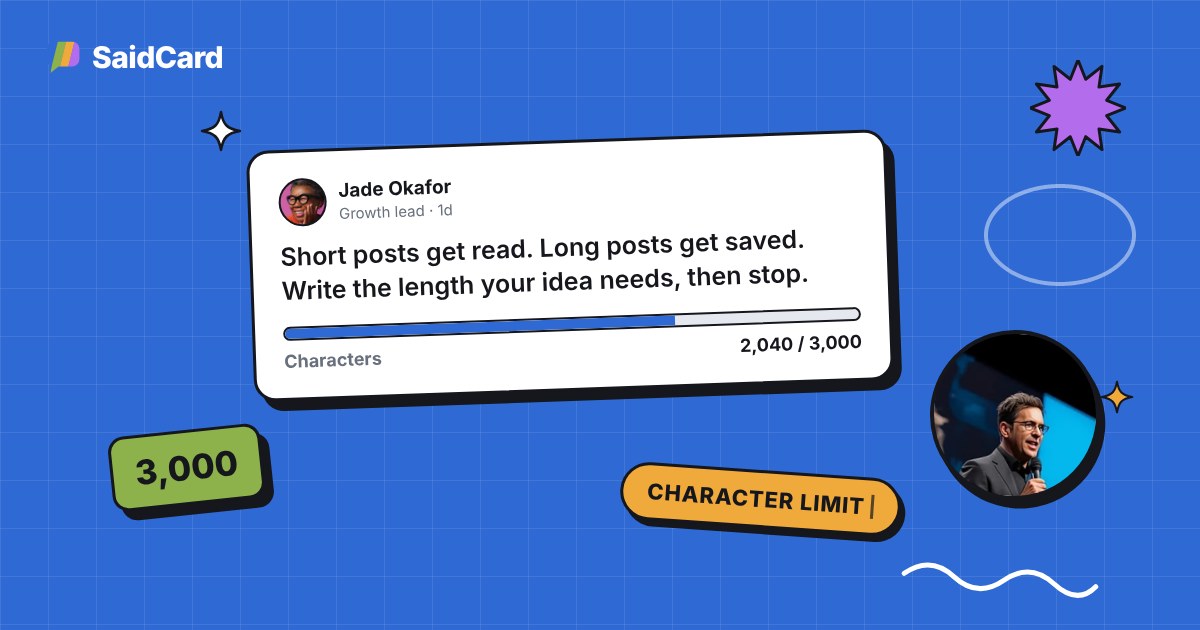
Short posts get read. Long posts get saved. Write the length your idea needs, then stop.
Make this a quote card
How to write a LinkedIn post that fits
How to write a LinkedIn post within the character limit
Write a LinkedIn post that earns the see more click and stays under 3,000 characters.
Time needed: 5 minutes
- Write the hook first
Write one or two lines under 140 characters that make a clear promise or bold claim.
- Add one idea only
Explain a single point. Move extra ideas to their own posts.
- Break it into short lines
Use one to two sentence paragraphs with space between them so it reads easily on a phone.
- End with a question
Ask readers to share their view so the post keeps getting comments.
- Check the count
Paste the post into a counter or check it stays well under 3,000 characters.
- Add a visual
Turn your hook into a quote card so the main idea shows even if nobody clicks see more.
LinkedIn hooks that fit before see more
A hook is the first line of your post. On mobile it has about 140 characters to earn the click, so it needs a clear promise, a surprising number or a strong opinion. Here are patterns that fit easily.
- The bold claim: "Most LinkedIn posts fail in the first line. Here is why."
- The mistake: "I wasted six months posting the wrong way."
- The number: "3 changes that doubled the replies on my posts."
- The question: "Would you hire someone who never posts online?"
- The before and after: "Last year I posted once a month. This year, every day."
- The lesson: "The best career advice I got came from a client who fired me."
- The contrast: "Short posts get read. Long posts get saved."
- The confession: "I used to think personal branding was vanity."
Notice that none of them start with "I am excited to share" or a greeting. Put the interesting part first, then explain.
A simple LinkedIn post template
If you are staring at a blank box, use this structure. It works for lessons, wins and opinions, and it keeps most posts between 800 and 1,500 characters.
- Hook: one line under 140 characters that makes a promise or a claim.
- Context: two short lines on the situation, the moment or the problem.
- The turn: what you tried, what changed or what you realised.
- The lesson: one clear takeaway, ideally in a single sentence.
- Proof: a number, a result or a short example.
- Question: ask readers what they think or how they handle it.
LinkedIn post template for a new position
Announcing a new job is one of the most common posts on LinkedIn. Keep it short and generous: the new role and company in the first line, one sentence on what you will work on, a thank you to people who helped, and a line inviting old and new contacts to connect. Under 600 characters is plenty.
Before and after: rewriting a post to fit
Here is how a typical post changes when you write for the see more cutoff.
Before: "Hi everyone! I hope you are all having a wonderful week. I wanted to take a moment to share some thoughts about something I have been thinking about lately, which is how we write on LinkedIn."
That opening uses about 200 characters and says nothing yet. On mobile, readers see only the greeting.
After: "Your LinkedIn post is judged in 140 characters. Here is how I rewrite every opening line."
The new hook makes a claim and a promise in under 100 characters. The rest of the post can now explain the method, and people have a reason to tap see more.
Formatting that helps, and formatting that hurts
- Line breaks help. One or two sentences per line make a post easy to scan on a phone.
- Lists help. Numbered points are easy to follow and easy to save.
- Emojis in moderation. One or two can mark sections, but every emoji counts toward the limit and too many look like spam.
- Fancy bold fonts hurt. Unicode bold and italic letters can be read badly or skipped by screen readers, and they may not show up in search. Use them rarely or not at all.
- Links in the post. Many writers put links in the first comment instead. Test both and see which works for your audience.
Use a quote card to beat the cutoff
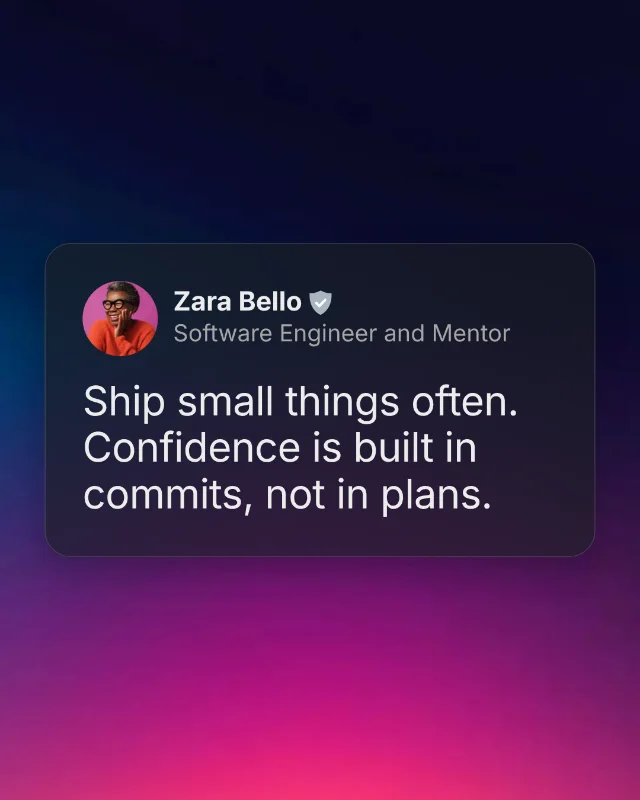
An image is not cut off by see more. If you put your strongest line on a card, everyone who scrolls past sees the full idea, even if they never expand the text.
The LinkedIn quote post template styles your line like a real LinkedIn post with your name, headline and photo, sized for the feed. Then the caption can stay short and add context.
Common mistakes
- Burying the point. If the first 140 characters are a greeting, readers scroll on.
- Walls of text. Long paragraphs look heavy on a phone.
- Too many hashtags. Three relevant hashtags are plenty.
- Writing to the limit. 3,000 characters is a ceiling, not a target.
- No visual. A plain text post competes with every image in the feed.
Conclusion
The LinkedIn post character limit is 3,000 characters, but the real limit is the 140 to 210 characters before see more. Win those, and the rest of your post gets read.
Pair a tight hook with a clean card and your idea lands even for people who never click. Open SaidCard and turn your next LinkedIn hook into a card. Posting the same idea everywhere? Read how quote cards make daily posting easy.
Frequently asked questions
What is the character limit for a LinkedIn post?
A standard LinkedIn post can be up to 3,000 characters, including spaces, line breaks and emojis.
How many characters show before see more on LinkedIn?
About 210 characters on desktop and about 140 on mobile, depending on line breaks.
Do emojis count toward the LinkedIn character limit?
Yes. Emojis, spaces and line breaks all count toward the 3,000 character limit.
What is the LinkedIn comment character limit?
Comments can be up to 1,250 characters, based on testing in March 2026.
Is a long or short LinkedIn post better?
Neither on its own. Short posts suit single insights and long posts suit stories and guides. The hook matters more than the length.