Best Quote Maker Apps in 2026: 5 Free and Paid Options Compared
We compared five quote maker apps on price, watermarks, sizes and speed: SaidCard, Canva, Adobe Express, Quotes Creator and Instagram's own text tool. Here's which one fits your posting.
On this page 14 sections
- What is a quote maker app?
- How we compared them
- The 5 best quote maker apps in 2026
- 1. SaidCard: best for tweet style quote cards
- 2. Canva: best all round design suite
- 3. Adobe Express: best for brand kits on a budget
- 4. Quotes Creator: best phone app with a quote library
- 5. Instagram's own text tool: best for quick Stories
- Quote maker apps compared
- What a year of daily quote posts costs
- Which quote maker app should you choose?
- Mistakes people make when choosing a quote app
- Conclusion
- Sources
Most lists of quote maker apps were written years ago, and half the apps on them have changed their prices, added watermarks or quietly disappeared. If you post quotes every day, the wrong tool costs you real time: ten extra taps per card turns into hours a month.
So we compared five quote maker apps that people actually use in 2026 on the things that matter for daily posting: price, watermarks, sizes and how fast you get from an idea to a finished card. A quick note before we start: we make SaidCard, one of the five. We've tried to be fair, and we say clearly where the others are the better pick.
What is a quote maker app?
A quote maker app is a tool that turns a short piece of text into a designed image you can post on Instagram, X, LinkedIn, Facebook or WhatsApp. Some are full design suites with quote templates inside them; others do one job, putting your words on a clean card fast.
Which kind you need depends on how you post. If you share one quote a week alongside lots of other designs, a design suite makes sense. If quotes are your main content, a dedicated quote card tool will save you hours.
How we compared them
We looked at each app as a creator who posts a quote card most days. These were the questions we asked.
- Price: Is there a usable free plan, and what does the paid plan cost?
- Watermark: Does the free version put a logo on your image?
- Sizes: Can you get feed, Story and landscape versions without redesigning?
- Identity: Can you add your name, handle and photo so the card is clearly yours?
- Speed: How many steps from a line of text to a downloaded image?
Prices come from each company's listing or a published pricing tracker at the time of writing. They change, so check before you pay.
The 5 best quote maker apps in 2026
1. SaidCard: best for tweet style quote cards
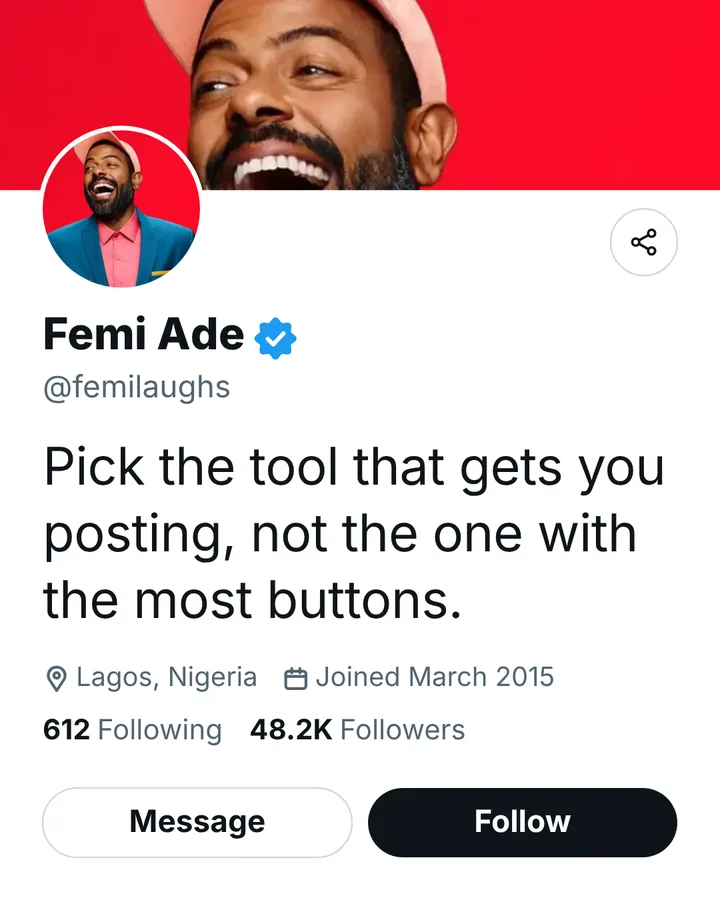
SaidCard is a free browser based quote card maker built for one job: turning a line you wrote into a clean card with your name, handle, photo and verified badge, in the style of an X, LinkedIn, Instagram, Facebook or TikTok post. There's no app to install, it works on phones and laptops, and downloads are full resolution with no watermark.
Its strength is speed for daily posting. You set your name and photo once, pick a look, type the quote, and download the same card for square, portrait, Story and landscape. You can save a design as a template and share a link so your team makes the same card with their own names.
- Price: free; sign in free to download
- Watermark: none
- Best for: creators, coaches, pastors and founders who post their own words daily
- Not for: flyers, menus or complex multi page designs
2. Canva: best all round design suite
Canva is the design tool most people already know. It reported more than 265 million monthly active users and over 31 million paid users in 2025, and its template library includes thousands of quote designs. If you need quote cards plus posters, presentations and carousels in one place, Canva is hard to beat.
The trade off is time. Templates are designed for general use, so you replace text, photo and colours on each one, and keeping a consistent personal style takes discipline. Canva Pro is listed at US$144 a year for one person after a price change in September 2026.
- Price: free plan; Pro listed at US$144 a year
- Best for: people who design lots of different things, not just quotes
3. Adobe Express: best for brand kits on a budget
Adobe Express is Adobe's quick design app, with templates, fonts from Adobe's library and simple brand controls. It's a strong pick if your business already uses Adobe tools or needs brand colours and logos locked in for a small team. Capterra lists Adobe Express Premium at $9.99 a month.
- Price: free plan; Premium $9.99 a month
- Best for: small businesses that want templates and brand control
4. Quotes Creator: best phone app with a quote library
Quotes Creator by Lazy Fox Apps Studio is a long running phone app rated 4.8 out of 5 from about 14,000 ratings on the App Store. It includes a library of ready quotes, plenty of backgrounds and fonts, and exports to images or PDF. It's free with in app purchases: removing the watermark costs $2.99, Pro is $3.99 and all backgrounds are $6.99.
- Price: free with in app purchases
- Best for: phone first posters who like background photos and ready quotes
- Watch out for: the watermark on free exports
5. Instagram's own text tool: best for quick Stories
Instagram's Story editor lets you type text on a photo or a colour background with a handful of fonts. It's free and already in your pocket, which makes it perfect for a quick thought. It isn't built for feed posts, consistent branding or reuse on other platforms, so most people outgrow it.
- Price: free
- Best for: one off Story posts
Quote maker apps compared
| App | Free plan | Paid from | Watermark on free | Multi platform sizes | Best for |
|---|---|---|---|---|---|
| SaidCard | Yes | Free | No | Yes, one click | Daily tweet style cards |
| Canva | Yes | US$144 a year | No | Yes | All kinds of design |
| Adobe Express | Yes | $9.99 a month | No | Yes | Brand kits |
| Quotes Creator | Yes | $2.99 to remove watermark | Yes | Set by hand | Phone quote posts |
| Instagram text tool | Yes | Free | No | Stories only | Quick Stories |
What a year of daily quote posts costs
If you post one quote card a day, you make about 365 cards a year. Here is roughly what each option costs for that, using the prices above. The free plans of Canva and Adobe Express also work for quote cards; the paid plans add premium templates, more storage and AI features.
| Option | Cost for a year of daily cards | What you pay for |
|---|---|---|
| SaidCard | $0 | Nothing; all templates and sizes are free |
| Canva Pro | US$144 | Premium templates, resize, brand kit, AI tools |
| Adobe Express Premium | About $120 ($9.99 x 12) | Premium assets, brand kit, Adobe fonts |
| Quotes Creator (iOS) | About $3 to $14 once | Watermark removal, Pro, background packs |
| Instagram text tool | $0 | Nothing, but Stories only |
Which quote maker app should you choose?
- You post your own words every day: SaidCard. Set your identity once and every card is ready in under a minute.
- You also make flyers, decks and carousels: Canva.
- You run a small brand on Adobe tools: Adobe Express.
- You want a phone app with ready quotes: Quotes Creator.
- You only post the odd Story: Instagram's text tool.
Many creators use two: a design suite for occasional designs and a fast quote tool for the daily posts. For the full side by side between the two most popular choices, read Canva quote templates vs SaidCard.
How to make a quote card in under a minute
Make a tweet style quote card in your browser with SaidCard.
Time needed: 2 minutes
- Open the studio
Go to the SaidCard studio on your phone or laptop.
- Add your details once
Type your name and handle and upload your profile photo. They are remembered for next time.
- Type the quote
Paste the line you want to share. The text sizes itself to fill the card.
- Pick a look and size
Choose a style such as X, LinkedIn or Instagram, then square, portrait or Story.
- Download
Sign in free and download the PNG. No watermark.
Mistakes people make when choosing a quote app
- Picking on template count. You'll use three looks. Speed and consistency matter more.
- Ignoring the watermark. A logo on every card advertises the app, not you.
- Forgetting other platforms. If you post on LinkedIn and X too, choose a tool that exports every size.
- Paying before you need to. Start free and upgrade only when a paid feature saves you time.
Conclusion
The best quote maker app is the one that gets you posting today. If your content is your own words, a dedicated card maker saves the most time; if you design a bit of everything, a suite like Canva earns its price. Social media now reaches 5.66 billion user identities, according to DataReportal, so a consistent, recognisable card is worth getting right. Start with the tweet style quote card maker and see how fast your first card comes together.
Frequently asked questions
What is the best free quote maker app?
For tweet style cards with your name and photo, SaidCard is free with no watermark. For general design, Canva and Adobe Express both have free plans.
Which quote maker app has no watermark?
SaidCard, Canva's free plan and Adobe Express's free plan export without a watermark. Quotes Creator adds one on free exports unless you pay $2.99 to remove it.
Is Canva good for quote posts?
Yes, especially if you also design other things. For daily quote posts with the same personal style, a dedicated quote card tool is usually faster.
Can I make a quote image on my phone?
Yes. SaidCard runs in your phone's browser with no download, and apps like Quotes Creator and Instagram's Story editor work on phones too.
What size should a quote image be?
Use 1080 by 1350 pixels for Instagram and Facebook feeds, 1080 by 1080 for square posts, 1080 by 1920 for Stories and 1200 by 675 for X and LinkedIn landscape posts.